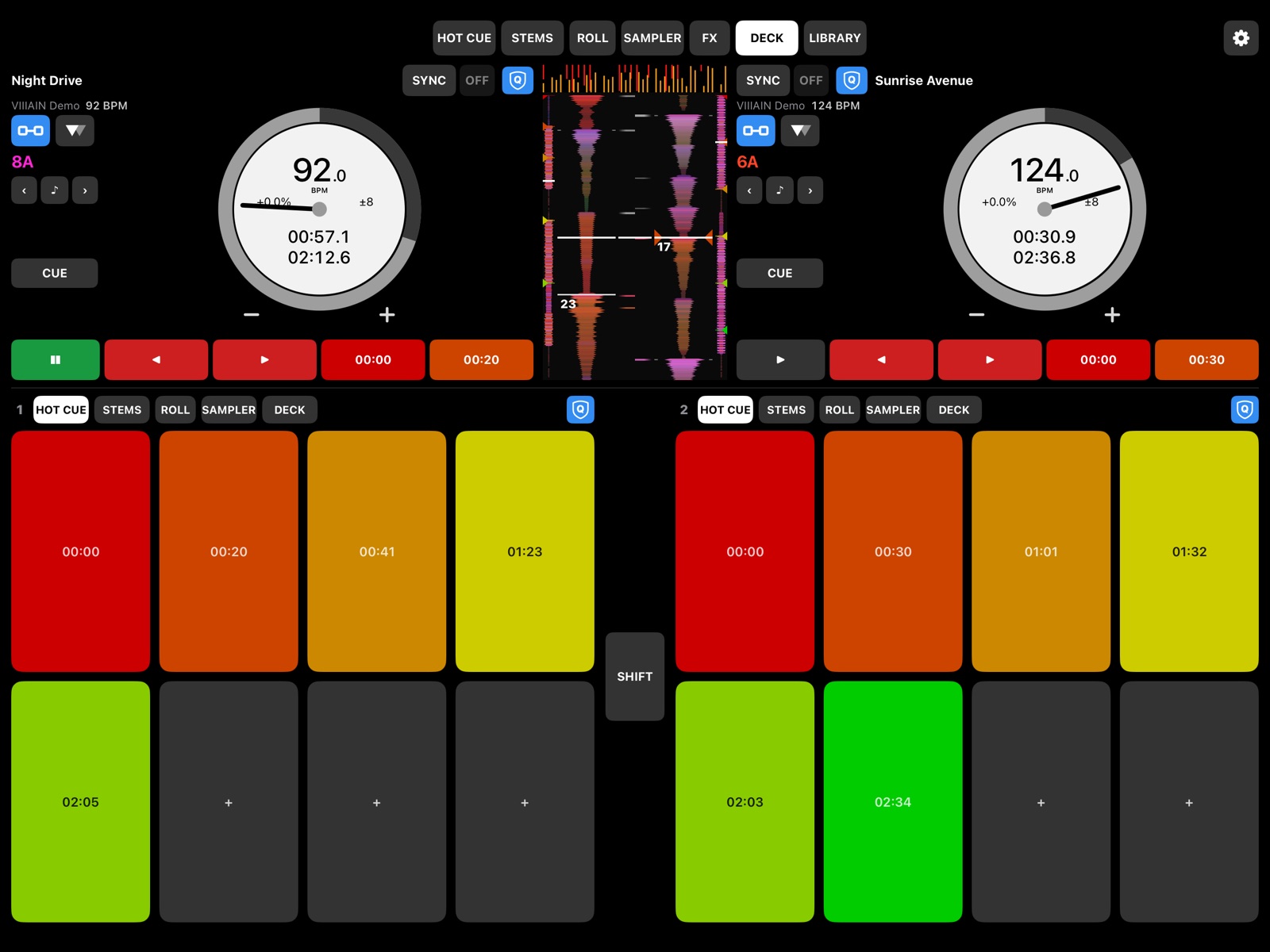
Performance pads
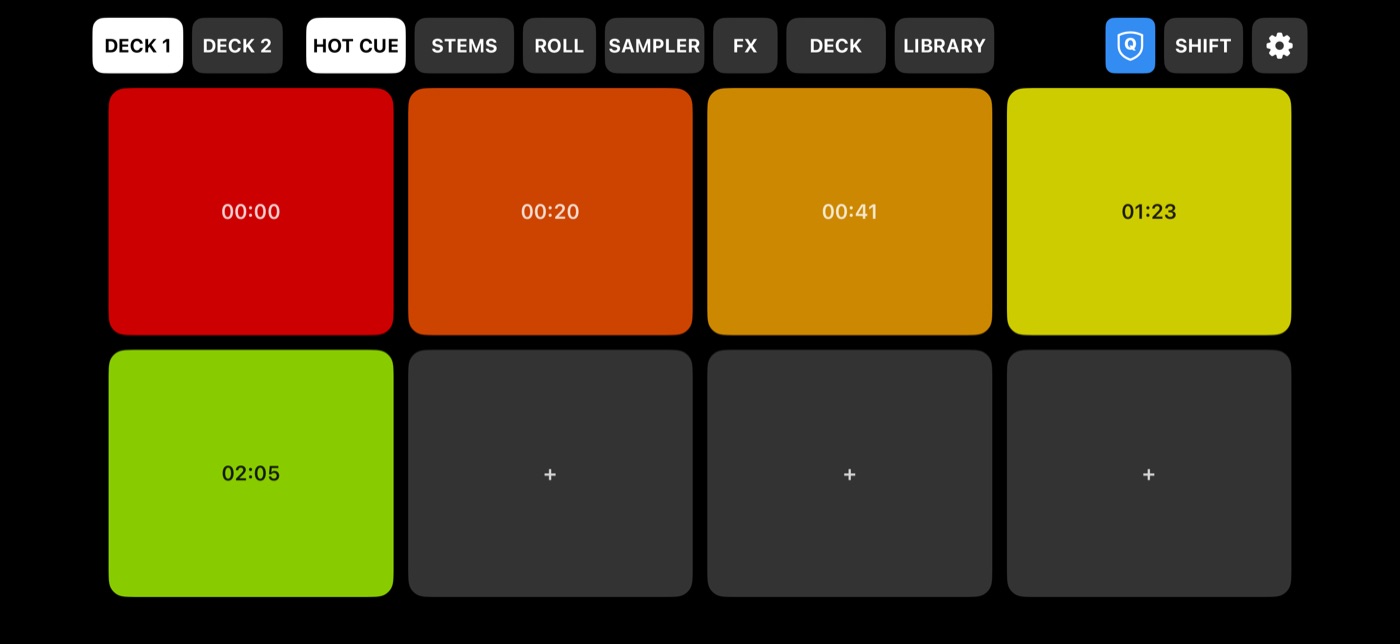
HOT CUE, STEMS, ROLL, SAMPLER and FX on big pads in your cue colours. On iPad both decks sit side by side, each in its own mode.
For Serato DJ Pro
VERSION NO. 1.0
Your iPhone and iPad become a performance controller for Serato. Hot cues, stems, rolls, the sampler, Pitch Play and your whole library — under your fingers, next to your decks.
Free beta · iPhone & iPad · Mac with Serato DJ Pro 4 or 5
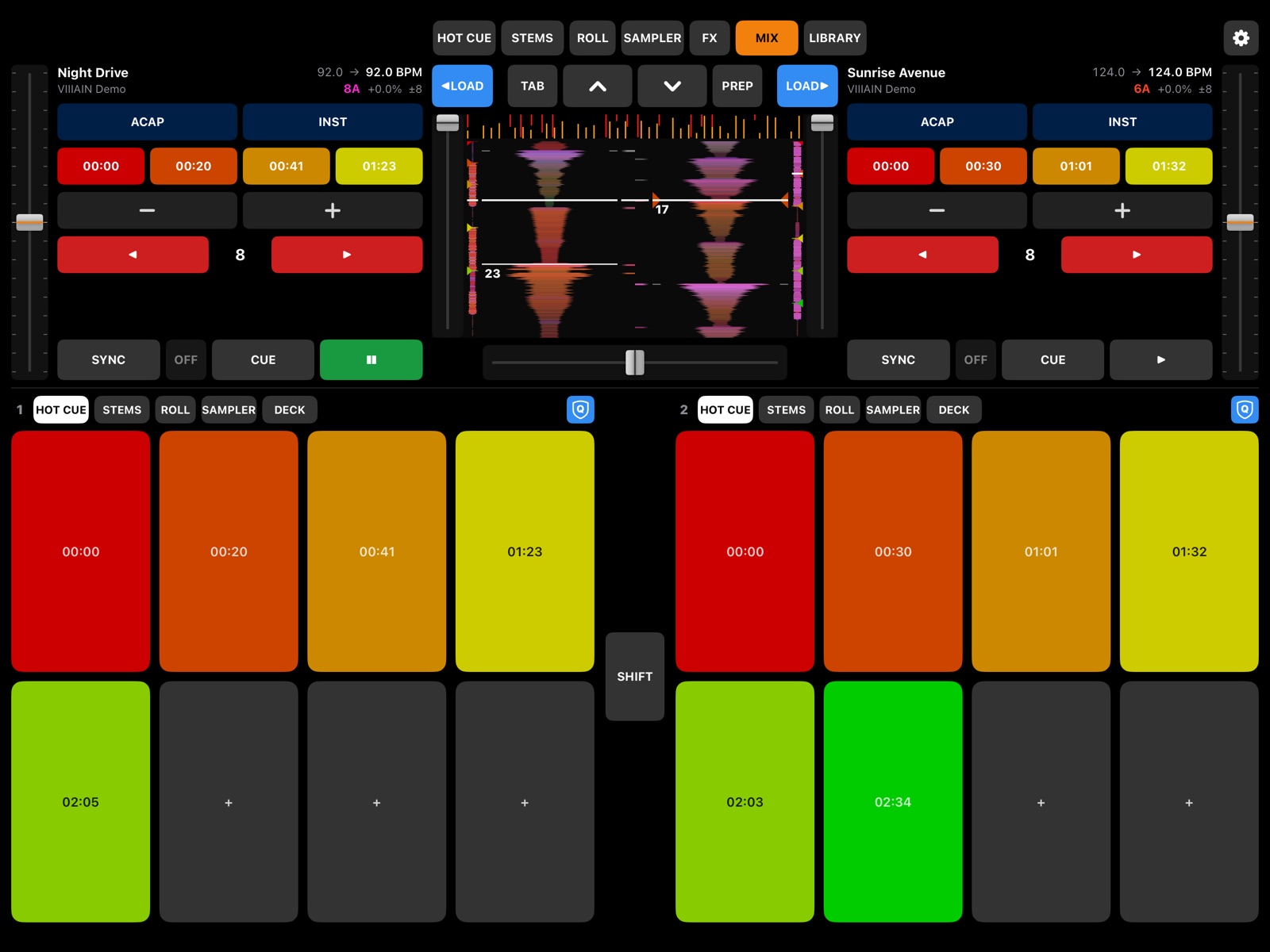

Everything you reach for in a set, on big touch pads that react the moment you hit them.
HOT CUE, STEMS, ROLL, SAMPLER and FX on big pads in your cue colours. On iPad both decks sit side by side, each in its own mode.
Play a hot cue across a keyboard, note by note. Save the notes that fit the track as a preset and the app keeps you in key.
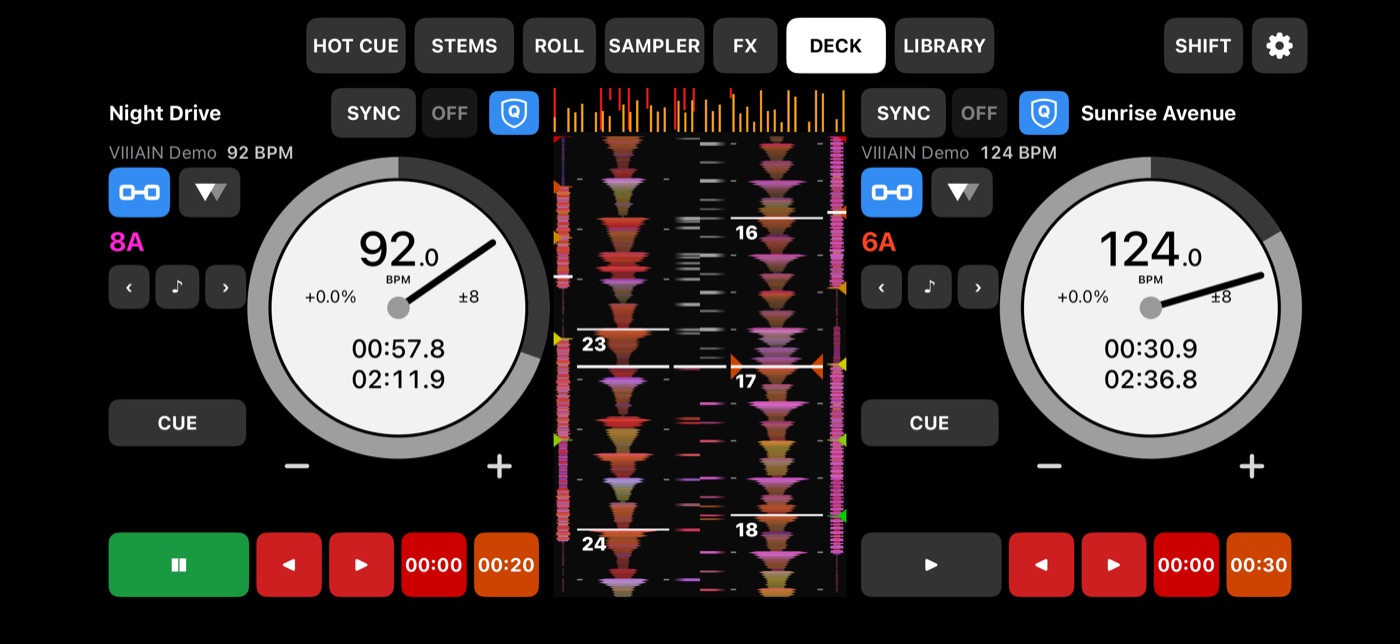
Jogs, sync, pitch, beat jump, nudge, volume and a crossfader with cuts — the whole deck on one screen.
Serato’s colours that react to your mixer EQ, beat grid, cue markers and the Tempo Matching Display. Scratch or spin the jog wheel and the waveform follows smoothly.
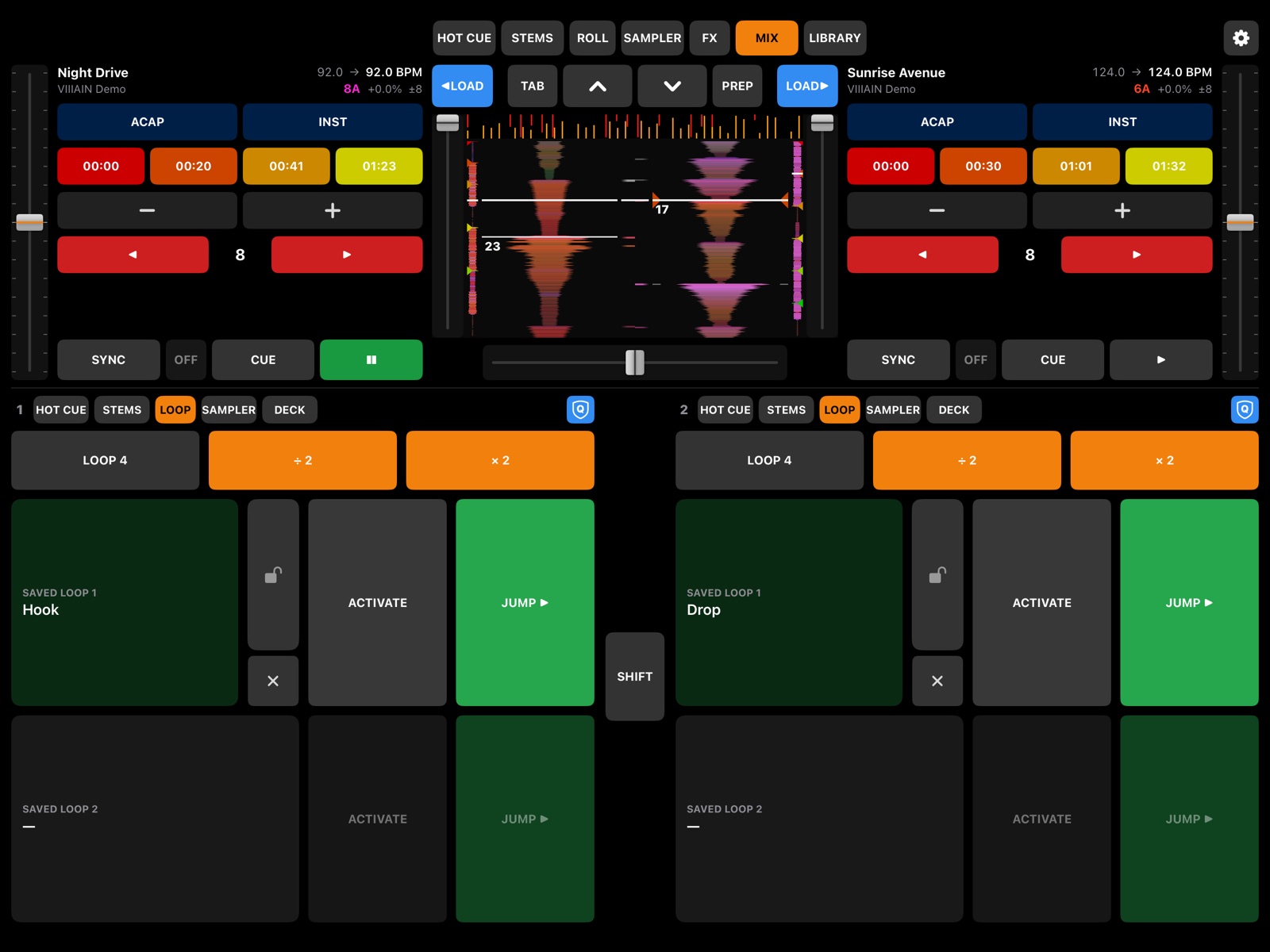
Auto loop, halve and double, rolls, saved loops you can lock or delete, and Quantize — right next to your cues.
Crates, smart crates and search, in the same order Serato shows them. Sort, Prepare and favourite crates. The list follows Serato’s cursor and loads straight to any deck.
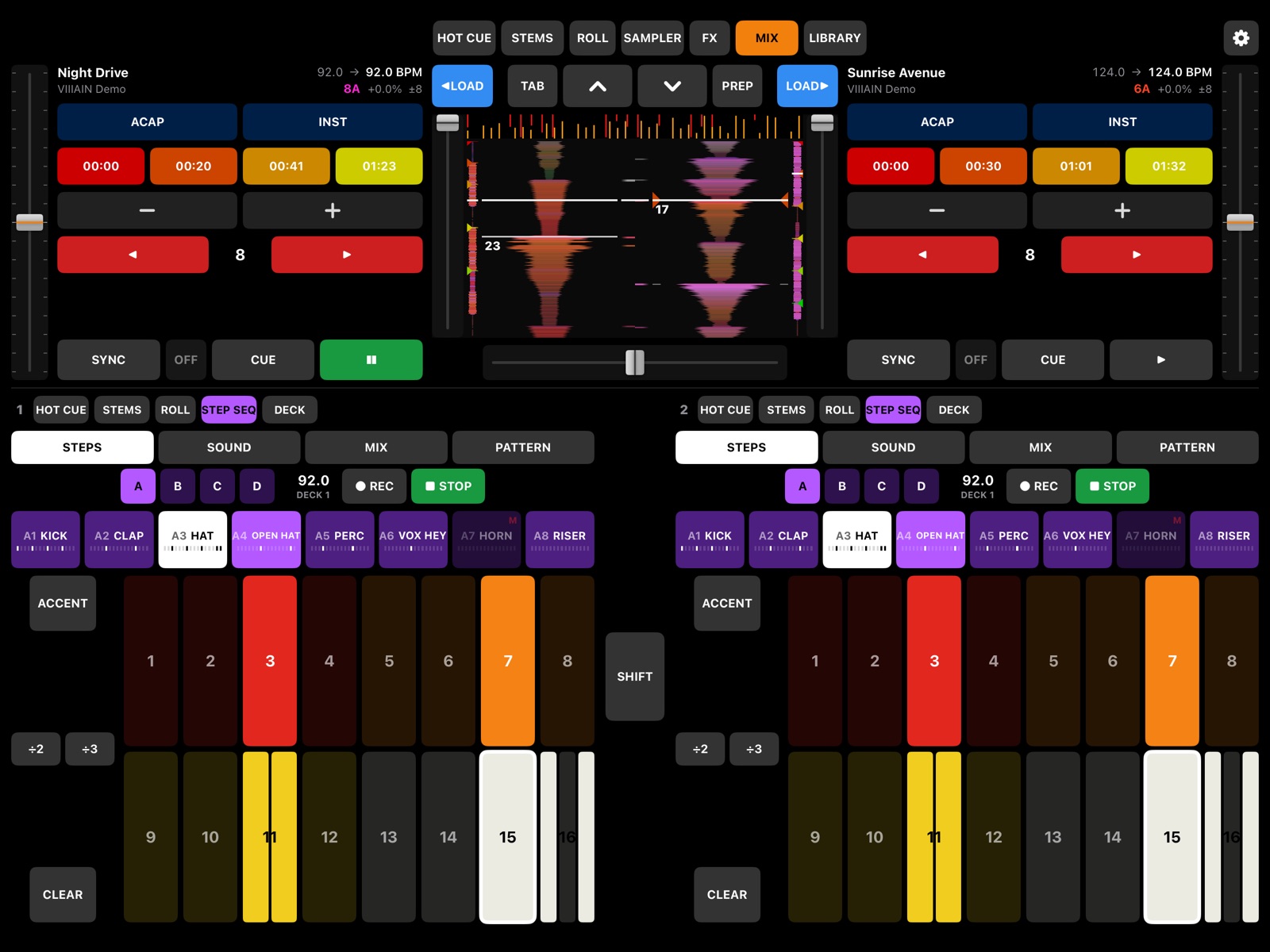
Sixteen steps drive the Serato sampler in time with the playing deck. Split any step in two or three and pick which parts play. Accents, shuffle and patterns you can save.
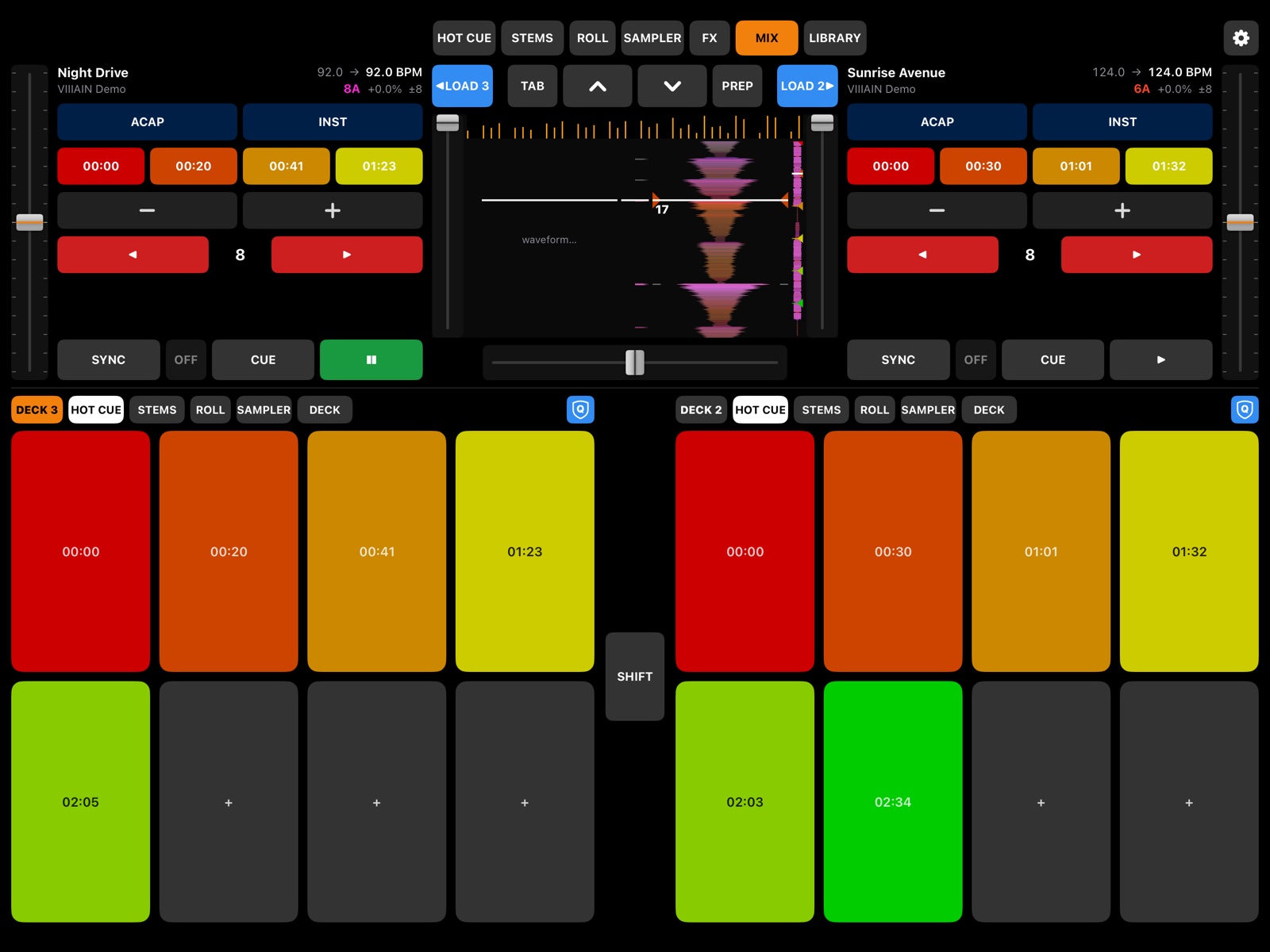
On four-deck controllers like the Rane FOUR, each side switches between decks 1/3 and 2/4 — just like the hardware.
SMC-PAD, JamJum and Akai MPK mini mirror the screen with live colours, so small pad controllers turn into Serato performance tools.
A cable for the gig, Wi-Fi for practice. Only devices you approve on your Mac can connect.
A small app for the menu bar of your Mac. It talks to Serato and sets up the mapping for you.
The helper finds Serato on its own. Your pads, cue colours and waveforms come through automatically.
Plug in a cable, or pick the Mac on Wi-Fi and press Connect on the Mac once. That’s it.
VIIIAIN Helper for Mac is free during the beta. It is signed and notarized by Apple.
Not sure? Apple menu → About This Mac: “Apple M…” means Apple Silicon.
The app is in beta on TestFlight. Leave your Apple ID email and we will send an invite.
Privacy →Ready-made layouts for popular controllers are on the way.
See mappings →
Made by
VILEN has been DJing since 2007 and teaching Serato since 2020. VIIIAIN Remote grew out of his own sets and lessons — a tool he wanted for himself.
About VILEN →Yes, during the beta both the iOS app and the Mac helper are free.
A Mac with Serato DJ Pro 4 or 5, VIIIAIN Helper running on it, and an iPhone or iPad with iOS 18 or newer.
Yes — from helper 0.10.15 VIIIAIN works with both Serato DJ Pro 4 and 5 and adapts on its own, even if both are installed side by side. Lucid Beatgrids are supported: beat lines follow the changing tempo, and grid shifts are marked on the track overview. Serato saves a new grid to the file when you unload the track, so the phone shows it after the track is loaded again.
Yes. Open ⚙︎ in the app and tap DEMO MODE: two demo decks play and every button responds. Nothing is sent anywhere.
Not yet — the helper is Mac only for now.
VIIIAIN Remote works next to your controller or mixer and adds pads and screens on top. It can also run a set on its own.
Over a cable presses go straight to Serato. Over Wi-Fi the app uses its own fast protocol; a round trip is a few milliseconds on a good network.
SMC-PAD, JamJum and Akai MPK mini have ready layouts. Other MIDI controllers can be learned in the helper; more mappings are coming.